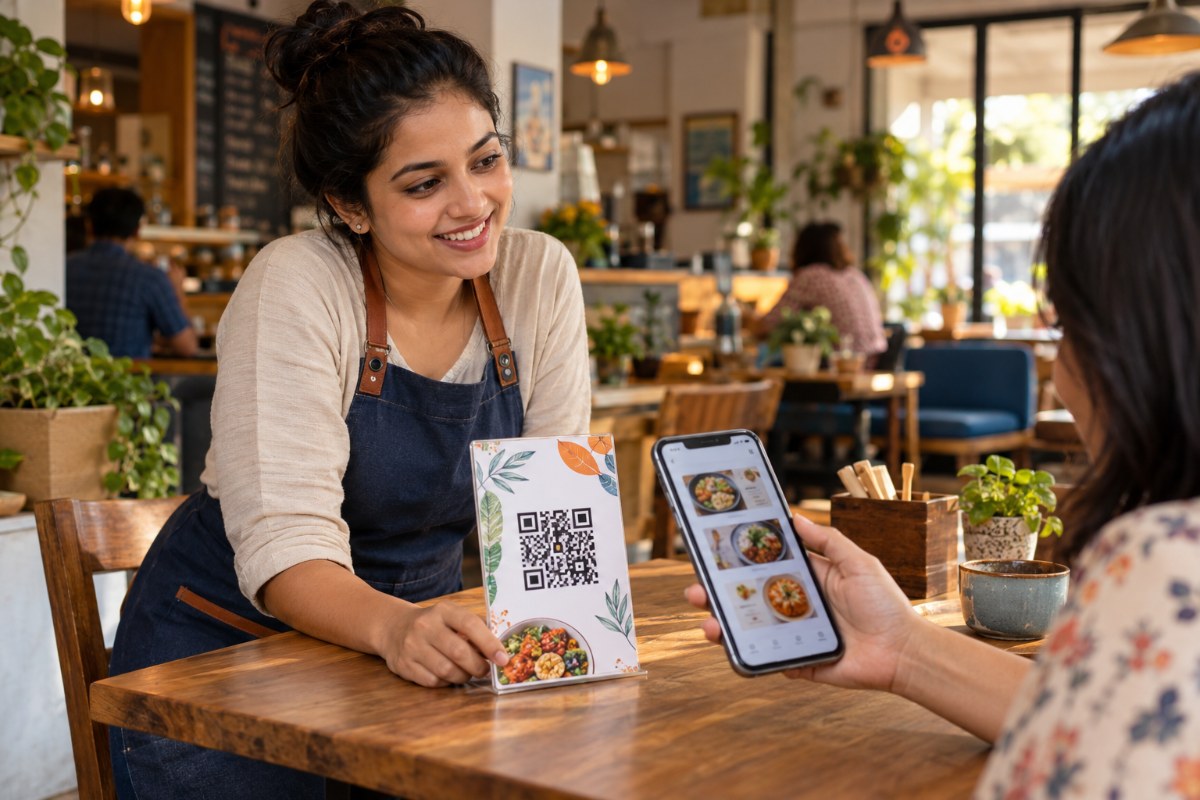
A printed QR code needs a clear pattern, space around it and a destination that works on a phone. Test the final physical print before ordering a batch. Use an editable short link so future destination changes do not force a reprint.
Start with the destination, not the artwork
Before designing a table card or label, open the destination on a phone using mobile data. Check that the page loads, the text is readable and the main action is easy to find. A beautifully printed code cannot rescue a broken menu, an expired registration form or a PDF that requires a private account.
Decide what the scan should achieve. A restaurant menu, a catalogue and an event registration page serve different needs. Give the internal link a clear title, such as October takeaway menu, so another member of the team can recognise it later.
Keep clear space around the code
The empty border around a QR code is its quiet zone. DENSO WAVE specifies a four-module margin on every side. A module is one small square in the pattern. Keep text, logos, decorative borders and photographs outside that clear area.
Share to Reach keeps this technical setting behind the scenes. When placing the downloaded code in a design, do not crop away its border. A designer can accidentally remove that space while trying to make a code fill a frame. Review the actual exported artwork, not only the editing canvas.
Choose contrast that survives printing
Black on white is the simplest starting point and the default in Share to Reach. Colour customisation remains available, but check the physical result. Pale colours, gradients, textured backgrounds and reflective finishes may make the pattern harder for a camera to distinguish.
There is no single printed size that guarantees every scan. Viewing distance, pattern density, print quality, lighting and camera capability all matter. Print a small sample at the planned size and test it where the code will actually be used. A glossy label under a bright light deserves its own test.
Export for the medium
Use SVG when your design workflow accepts vector artwork, especially if the code must be resized. Use a sufficiently large PNG when raster artwork is required. Avoid copying a tiny preview from the screen or repeatedly resizing a compressed screenshot.
After exporting a poster or menu, open the final file and inspect the code at its printed size. Ask the printer to preserve the clear border. If a label folds across the pattern or a package seam covers it, reposition it before approving the batch.
Run a repeatable scan test
Test with more than one phone, from the expected viewing distance and under the intended lighting. Confirm the URL, the destination and any campaign labels. Repeat after a PDF replacement or destination edit. Keep a note of the sample artwork and the date of the test.
For separate placements, create separate tracked links. A counter display and a takeaway bag using exactly the same link do not identify their physical origin automatically. Give each placement a sensible campaign title and optional UTM content value.
Print once, maintain the destination
An editable QR code points to a short URL whose destination can change. On Share to Reach, update the selected link’s destination from QR codes while retaining the short URL and QR image. For a publication, replace the PDF on its existing flipbook rather than creating a new publication link.
Keep a readable short URL alongside the code for people who cannot scan it. Recheck the destination periodically. QR reports record visits and scans; an order or booking requires measurement in the destination system. Treat the scan as a useful step in the journey, not proof of a sale.
Common questions
Should every QR code have a logo?
No. A plain code with strong contrast and a clear border is a useful baseline. Test any design treatment on the final print instead of assuming branding improves scan reliability.
Can I edit a QR destination without reprinting?
Yes, when the printed code points to an editable short link. Edit that existing link instead of generating a new short URL.
Sources and further reading
Last reviewed 10 October 2026. Tell us if something needs correcting. · Plain text version
Put the idea into practice.
Create your next connection with Share to Reach. Start with the free allowance and see the current plans before expanding.
Start free Explore plans